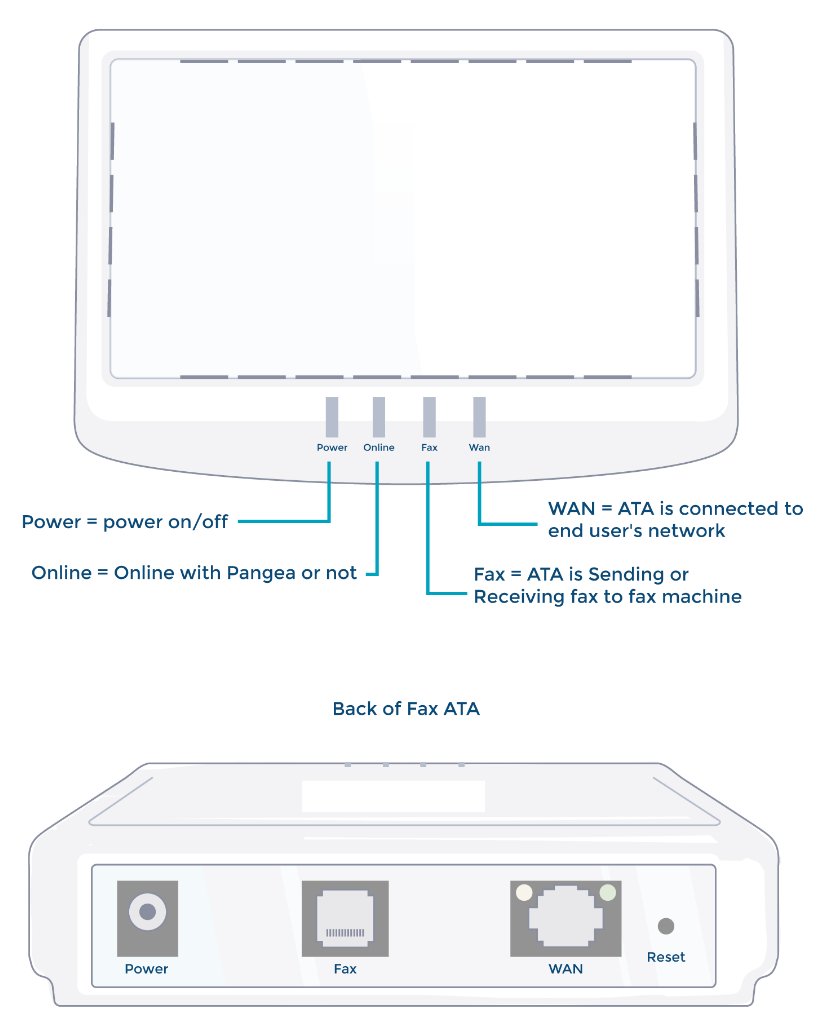
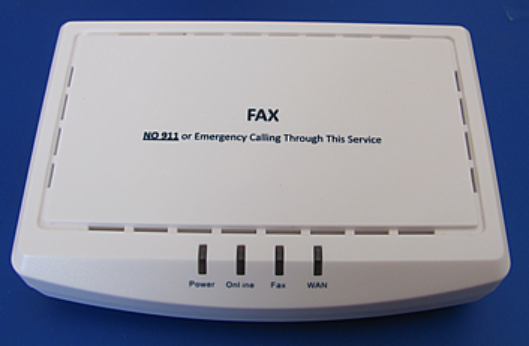
These devices allow a conventional (analog) landline fax to work on the internet. These must be plugged into power, a router, and the fax you wish to use & are providing (this often entails placement of the Fax ATA in close proximity to a router or mesh-point). They use 5v barrel-jack power adapters, please keep the power adapter with this device.
Please note that VoIP systems are a little different than analog systems - a phone number can either be a telephone number or a fax number, but not both.
Fax ATA (analog telephone adapter)
Troubleshooting
Inbound Faxes don't work
Replace the cables if possible, or ensure they are fully engaged in their ports.
Review fax machine settings
Check Baud Rate 14,400 baud rate, ECM Enabled, no Super G3.
Try simply rebooting the fax machine and/or the Instant Fax ATA.
Konica Minolta and Brother Fax machines - Adjust settings to have fewer rings.
If the fax machine has its dedicated fax line shared, a short number of rings (1-2) can be preferable. The fax will be received quicker lessening the chances of future interruption. As an added benefit, there is less environmental noise created from ringing.
If the fax machine is on a shared phone line with multiple numbers and DRPD (distinctive ring pattern detection), fewer rings can also help for the same reason.
Reduce ring-time to 1-2 rings.
If you have another fax machine available to try, it may help with the process of elimination to confirm the fax machine is the problem.
If you have gone through these troubleshooting steps, please contact support. We will verify the steps taken, and process an RMA if possible. Please note that the most common problems are due to environmental obstacles listed above. Coming across a defective Instant Fax ATA is very uncommon, troubleshooting thoroughly helps us (and you) avoid having the same issue with a replacement device.
Inbound Faxes are Low Quality, Blurry, or Grainy
Noise will always be introduced and quality degraded to some extent. Consider the origination end may have sent a bad quality or low contrast fax, to begin with.
Set the Fax Machine Resolution to 'fine' or best available.
When set to Standard, we’ve seen issues where the output is compressed or looks like it's shrunk to landscape orientation although the sent file was in portrait mode.
Review fax machine settings
Check Baud Rate 14,400 baud rate, ECM Enabled, no Super G3.
You can also attempt lowering the baud rate, which slows the rate of transmission.