App Setup
You’re in!
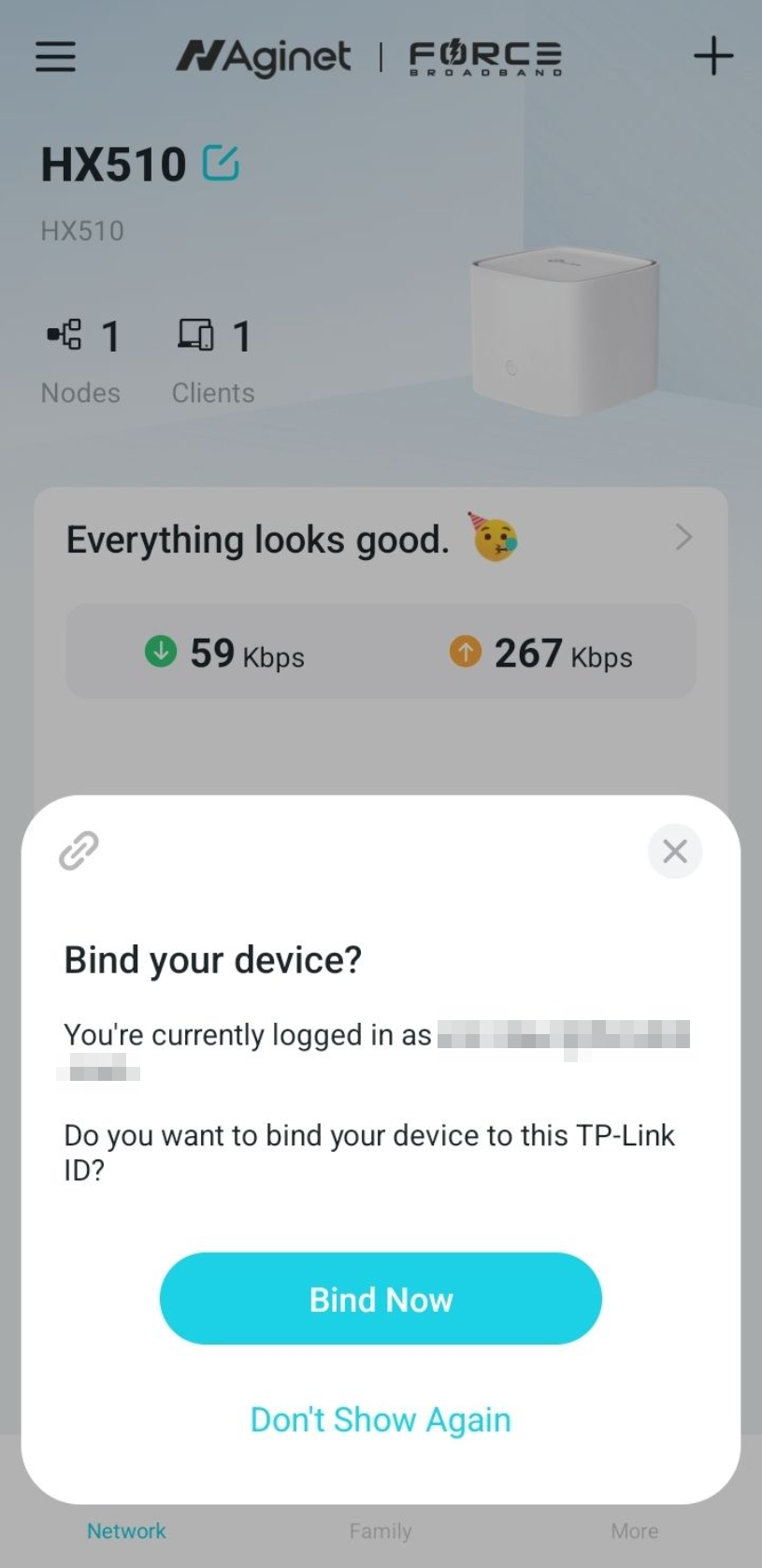
Once you’ve set or input the device password, you’ll be greeted with the main screen of the app. (Please note that the speeds shown just below the “Everything looks good. 🥳” is showing the speeds that your network is currently using, not the speed or capacity available to your network).
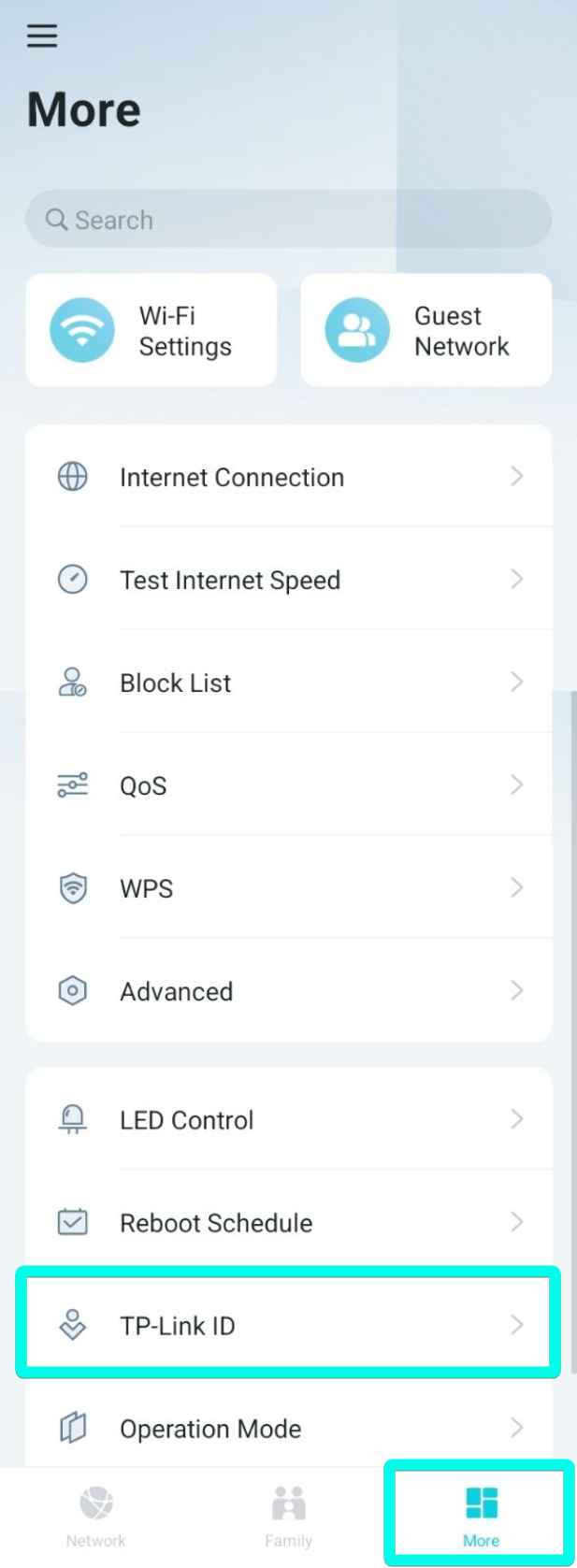
A prompt with the header “Bind your device?” should pop up - select “Bind Now” if you’d like to be able to manage this Wi-Fi network when you are away from home. If this prompt never comes up, click on the “More” button on the bottom of the screen and scroll down to “TP-Link ID”. Tap “TP-Link ID” and select “Bind”.